What is the difference between M3U and M3U8?
M3U8 is the same playlist format saved as UTF-8, which keeps accents and non-Latin characters intact. Electron IPTV opens both.
Give Electron IPTV an M3U or M3U8 link, or a playlist file on your device, and it builds live TV with a programme guide, catch-up, films and series out of it. When your provider changes its addresses, your favourites stay put.
Android 9+ · Phone, tablet & Android TV · No ads · 7 days free with the annual plan
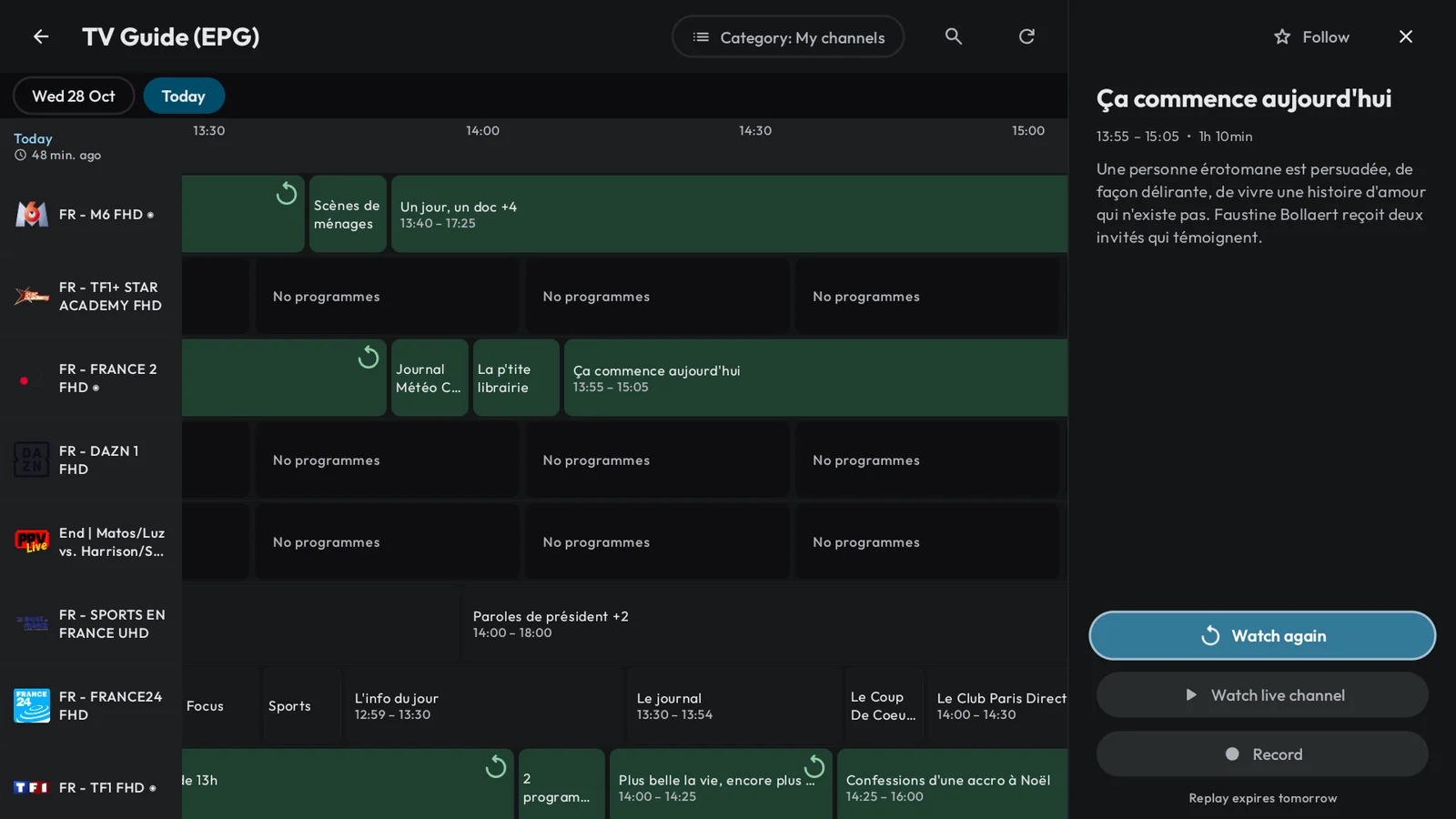
An M3U or M3U8 playlist is a text file that lists streams: a name, a logo, a category and an address for each channel, film or episode. Providers share it as a link, sometimes as a file. Electron IPTV reads both, and provides no content itself.
Electron uses everything the list declares, and fills the rest from the guide.
Some providers rotate their stream addresses. Electron keeps your favourites, history, guide reminders and downloads attached to the channel or title rather than to its address, so nothing is lost when the list changes. A channel that drops can switch to another copy of itself in the same list.
Add a playlist by link or from a file on the device. If the link you paste is an Xtream get.php link, Electron turns it into an Xtream Codes account, which also brings the provider's guide and catch-up.
M3U8 is the same playlist format saved as UTF-8, which keeps accents and non-Latin characters intact. Electron IPTV opens both.
Yes. Add an XMLTV guide link as a guide source for the playlist: Electron aligns it on your provider's clock and uses it for the channels it covers.
Yes. Films and episodes listed in an M3U playlist open their own page and can be downloaded to watch offline.
No. Electron IPTV is only a player: it plays a playlist from a provider you already subscribe to, and provides no channels or content.