Are all these features in the subscription?
Yes. There is no free tier and premium tier: every feature on this page is in every plan, monthly, annual or lifetime, and in the annual plan's seven-day trial.
One app for Android phones, tablets and Android TV, each with an interface built for it, and every feature on this page in one subscription, with no ads. It plays the Xtream Codes or M3U playlist you already have; it provides no channels.
Android 9+ · Phone, tablet & Android TV · No ads · 7 days free with the annual plan
Xtream Codes, M3U and M3U8 by link, or a playlist file on the device. On a phone, paste the message your provider sent and the form fills itself; on a TV, set it up from your phone.
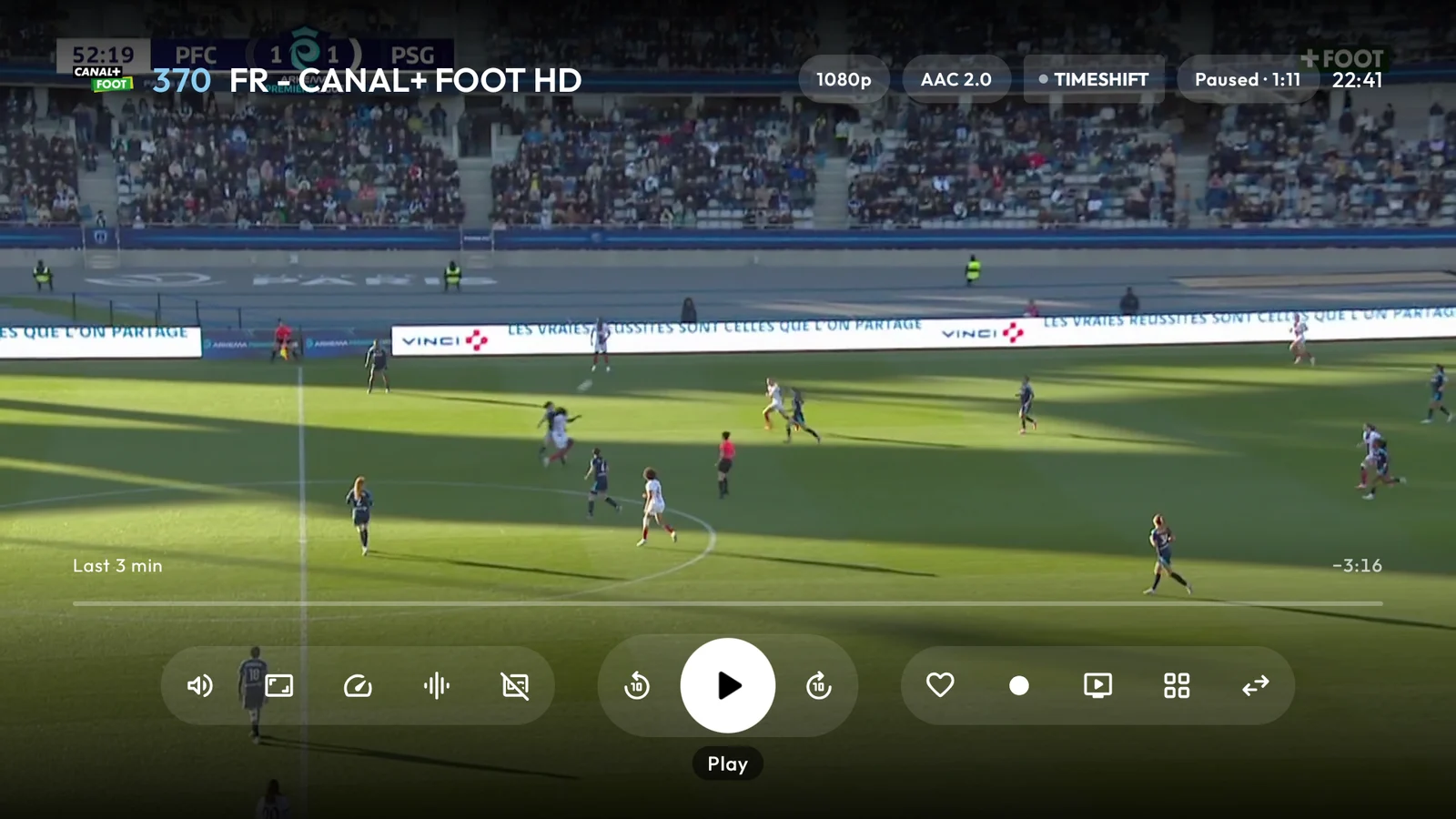
A guide of up to 14 days, as far ahead as your provider publishes it, that opens on what is on now. Pause a live channel and rewind up to an hour; start a programme from the beginning or watch it again where your provider keeps a replay.
A Sport screen built from your own guide: every match of the week on your channels, with the teams you follow first. Multiview plays up to four live channels at once, depending on the device, within your account's connection limit.
Posters, synopses, trailers, seasons and episodes, picked up where you stopped, with the next episode started for you.
One search for channels, films, series and the guide, that forgives typos, missing accents and words glued together or split apart. On Android TV, search by voice.
The choices you make are kept for the next time you watch.
A separate interface designed for the remote, not the phone layout scaled up.
No account to create and no Electron IPTV server: playlists, credentials and history stay on the device. Only anonymous usage and crash statistics are sent, and one switch in Settings turns them off.
Seven interface languages: English, French, Spanish, Portuguese (Portugal and Brazil), German and Turkish.
Yes. There is no free tier and premium tier: every feature on this page is in every plan, monthly, annual or lifetime, and in the annual plan's seven-day trial.
Catch-up, starting from the beginning and recordings need your provider to keep a replay of the channel. How far ahead the guide goes depends on how far ahead your provider publishes it. Multiview and downloads use connections from your account's limit.
It provides no channels or playlists, does not read MAC portal (Stalker) accounts, does not run on Amazon Fire TV, and does not keep your data in a cloud: it stays on your devices, and moves from phone to TV over your home Wi-Fi.